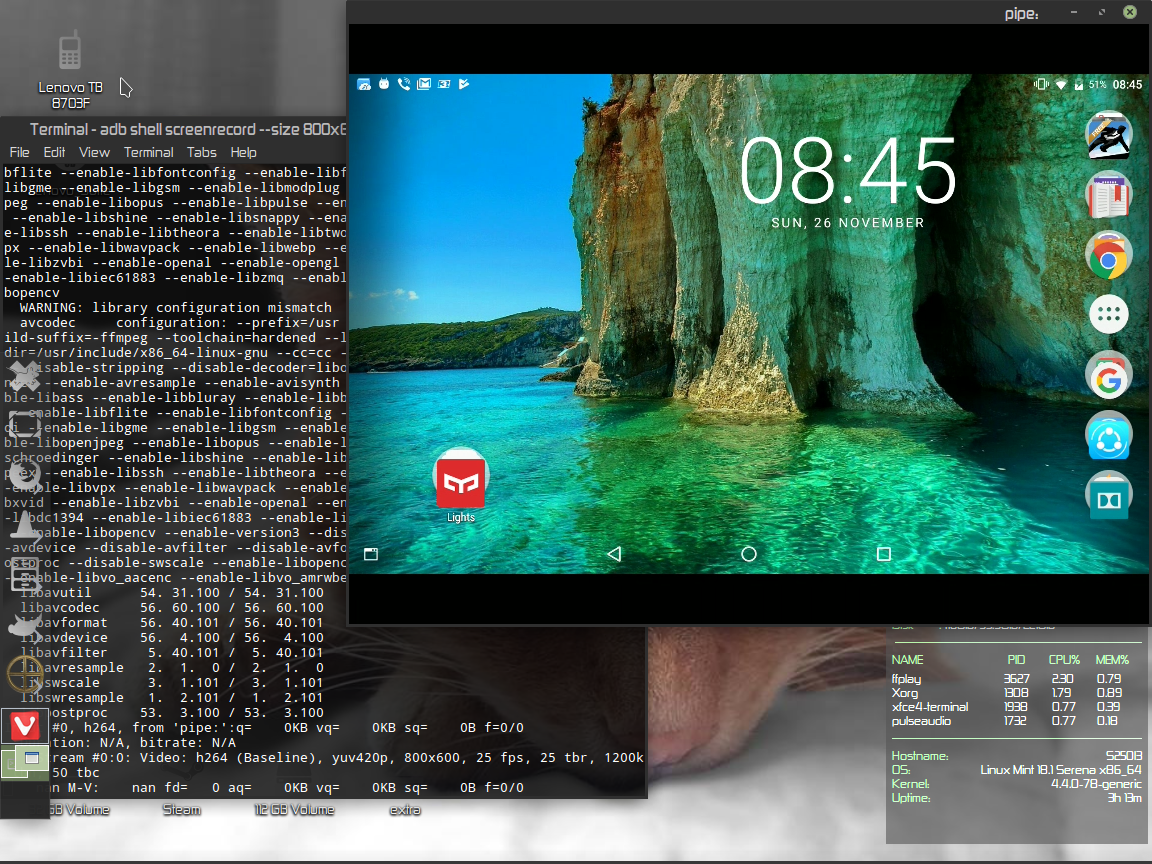
Tutorial how to connect your android device in linux
Install the adb tools if you don't have in your system
sudo apt-get install android-tools-adb
Connect your device from usb (in your device at Developer option>USB debugging -must be enabled)
Check if the device is connected
adb devices
You must have install ffmpeg .
In the terminal :
adb shell screenrecord --size 1152x864 --output-format=h264 - | ffplay -
Size:the resolution of your screen